
Is your VPN leaking your real IP?
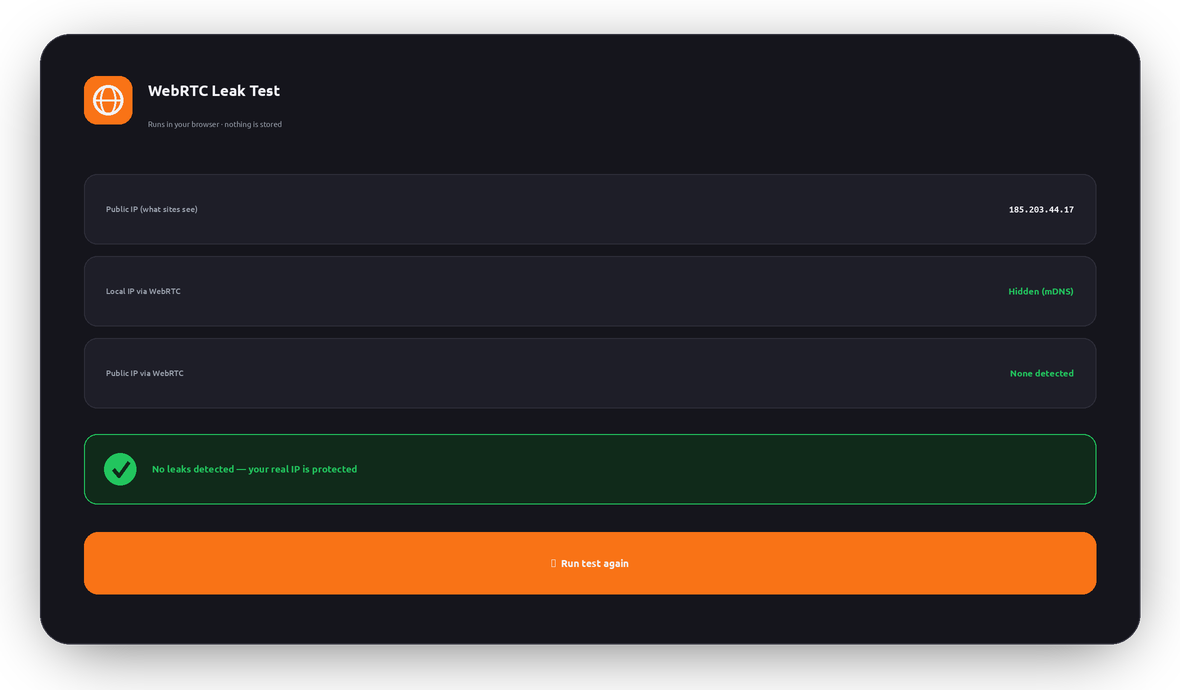
WebRTC can reveal your true IP address straight from your browser — even when a VPN is protecting everything else. Run the live test to see exactly what your browser is exposing right now.
What is a WebRTC leak?
WebRTC (Web Real-Time Communication) is built into every modern browser to power video calls, voice chat, and peer-to-peer file sharing without plugins. To connect two people directly, it needs to discover their IP addresses — and it does that with a helper called a STUN server.
The problem: WebRTC can ask that STUN server “what’s my IP?” outside your VPN tunnel. If your VPN or browser doesn’t block it, a website can quietly run this in JavaScript and read your real IP address — even though every other connection is safely routed through the VPN.
That’s a WebRTC leak: your VPN looks like it’s working, the website shows a VPN IP, but WebRTC hands over your true location behind the scenes.
How a leak slips past your VPN
Your normal traffic goes through the VPN tunnel — but a WebRTC request can take a shortcut to a STUN server and expose your real IP. Flip WebRTC leak protection to see the difference:
Why WebRTC leaks matter
Your VPN is undermined
You pay for privacy, but a leaked real IP reveals your identity and rough location anyway.
Any site can check silently
No permission prompt is needed — a few lines of JavaScript can read the exposed IP in the background.
Geo-restrictions return
Streaming and blocked sites can spot your real country and shut you out despite the VPN.
Your ISP is revealed
A leaked IP maps back to your internet provider and region, weakening your anonymity.
It’s a browser issue
Even a perfectly configured VPN can leak if the browser’s WebRTC isn’t handled — so testing matters.
It’s fixable
The right VPN and browser settings close the leak completely — see the steps below.
How to stop WebRTC leaks
The most reliable fix is a VPN that handles WebRTC for you — LunoVPN routes and protects WebRTC so your real IP can’t escape. You can also harden your browser directly. Pick yours:
The bulletproof option
Browser tweaks help, but they can reset with updates and don’t cover every app. Running LunoVPN keeps your real IP hidden across your whole device — WebRTC, DNS, and everything else — with a strict no-logs policy. Re-run the test above with LunoVPN connected to confirm you’re clean.
This test runs entirely in your browser
The WebRTC candidates are read locally in JavaScript to show you what any website could see. Nothing is sent to LunoVPN, logged, or stored — the same no-logs principle behind everything we build.
WebRTC leaks — frequently asked questions
What does “Public IP via WebRTC” mean in the result?
I’m on a VPN but the test shows an IP — am I leaking?
Why do I only see a “.local” address?
.local hostname on purpose. That’s good — it means your private LAN address isn’t being exposed.Can a website really read my IP without asking?
Does disabling WebRTC break anything?
Does LunoVPN stop WebRTC leaks?
Is this WebRTC leak test private?
More LunoVPN tools & features
Seal the leak with LunoVPN
Hide your real IP everywhere — WebRTC, DNS, and every app — with a strict no-logs VPN.
Get LunoVPN