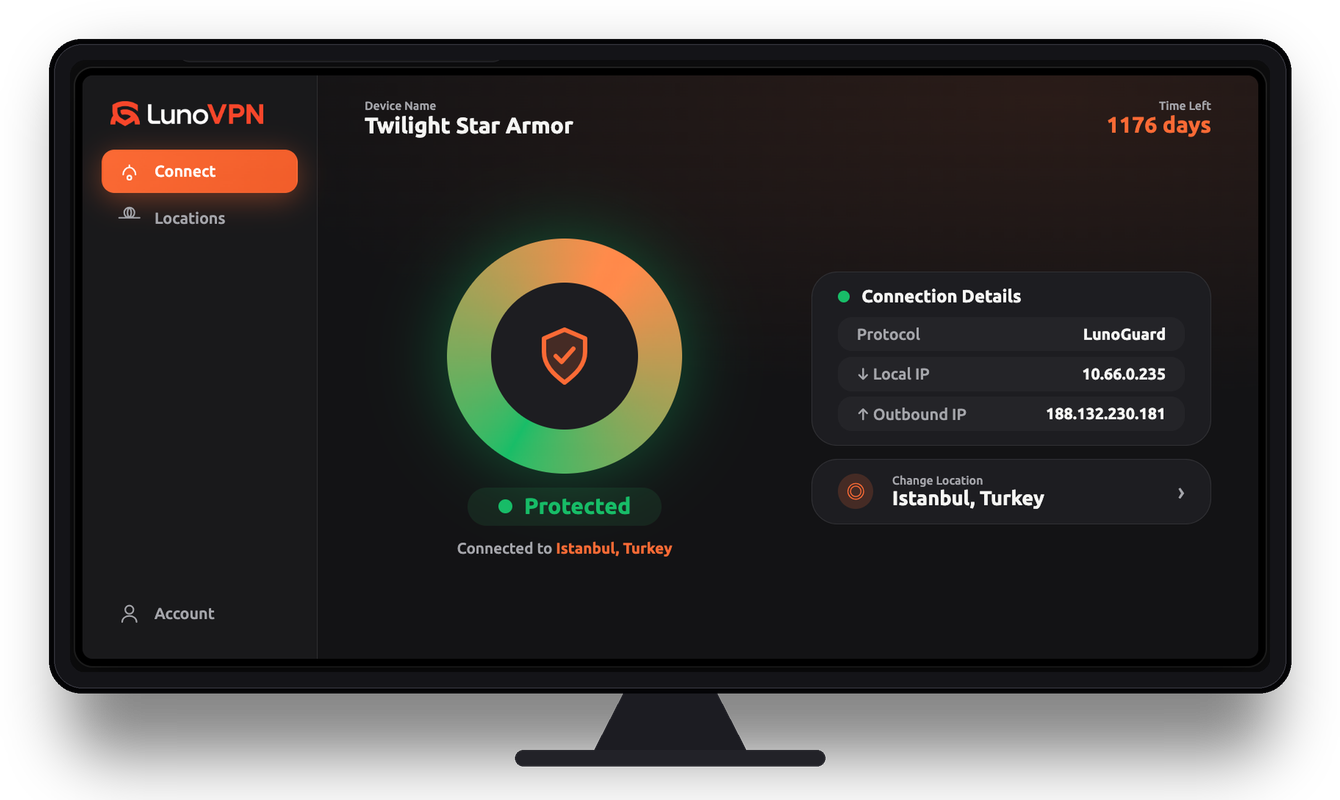
Do I need a VPN for my Android TV Box?
If you stream on your TV box, a VPN adds real value: it encrypts your traffic so your ISP can’t throttle or log what you watch, hides your IP address, and lets you switch regions to access more content. It also secures boxes used on shared or public networks.
How do I install LunoVPN on an Android TV Box?
Open the Google Play Store on your box, search for “LunoVPN,” install it, sign in with your account number, choose a location, and press Connect. It installs directly from the store — no APK or sideloading needed.
Can I install LunoVPN on Nvidia Shield or Chromecast with Google TV?
Yes. LunoVPN is a native Android TV / Google TV app, so it installs from the Play Store on Nvidia Shield TV, Chromecast with Google TV, MECOOL, Xiaomi Mi Box and most other Android-powered boxes.
Will a VPN slow down streaming on my TV box?
A well-built VPN has minimal impact. LunoVPN uses the lightweight LunoGuard protocol and unlimited bandwidth, and connecting to a nearby server keeps speeds high — often faster than a throttled connection, since your ISP can no longer single out streaming traffic.
Does LunoVPN protect every app on the box?
Yes. Because LunoVPN runs at the system level, one connection encrypts the traffic of every app on the Android TV Box — streaming services, browsers, and media players — without configuring each one separately.
Can I use LunoVPN to change my streaming region?
LunoVPN lets you connect to servers in 127 locations worldwide, which changes the region your box appears to be in. What each streaming service ultimately shows depends on its own catalog and terms in that region.
How many devices can I use on one account?
A single LunoVPN account supports up to 5 devices, so you can protect your Android TV Box alongside your phone, tablet, and computer.
Is using a VPN on an Android TV Box legal?
Using a VPN is legal in most countries. You’re responsible for following your local laws and the terms of the services you use. LunoVPN doesn’t log your activity.
Which server and protocol are best for streaming?
For the smoothest playback, use “Best for You” or pick a nearby location, and keep the default LunoGuard protocol. Switch to a different country only when you specifically want that region’s library.